Why Your Robot Vacuum Needs More Than Just a Charging Dock. Owning a robot vacuum is often marketed as a ‘set it and forget it’ luxury. We love the idea of coming home to spotless floors without lifting a finger. However, these sophisticated pieces of technology are not entirely self-sufficient. Just like a car or a high-end espresso machine, your robotic assistant requires consistent care to maintain its suction power and navigation precision. Neglecting routine maintenance doesn’t just lead to poor cleaning results; it can significantly shorten the lifespan of the device’s motor and battery. Taking a few minutes each week to inspect your robot can be the difference between a machine that lasts two years and one that serves you faithfully for five or more. Think of this maintenance routine as an investment in your home’s hygiene and your own peace of mind. Regular upkeep ensures that the robot isn’t just pushing dirt around but effectively removing it from your living space.
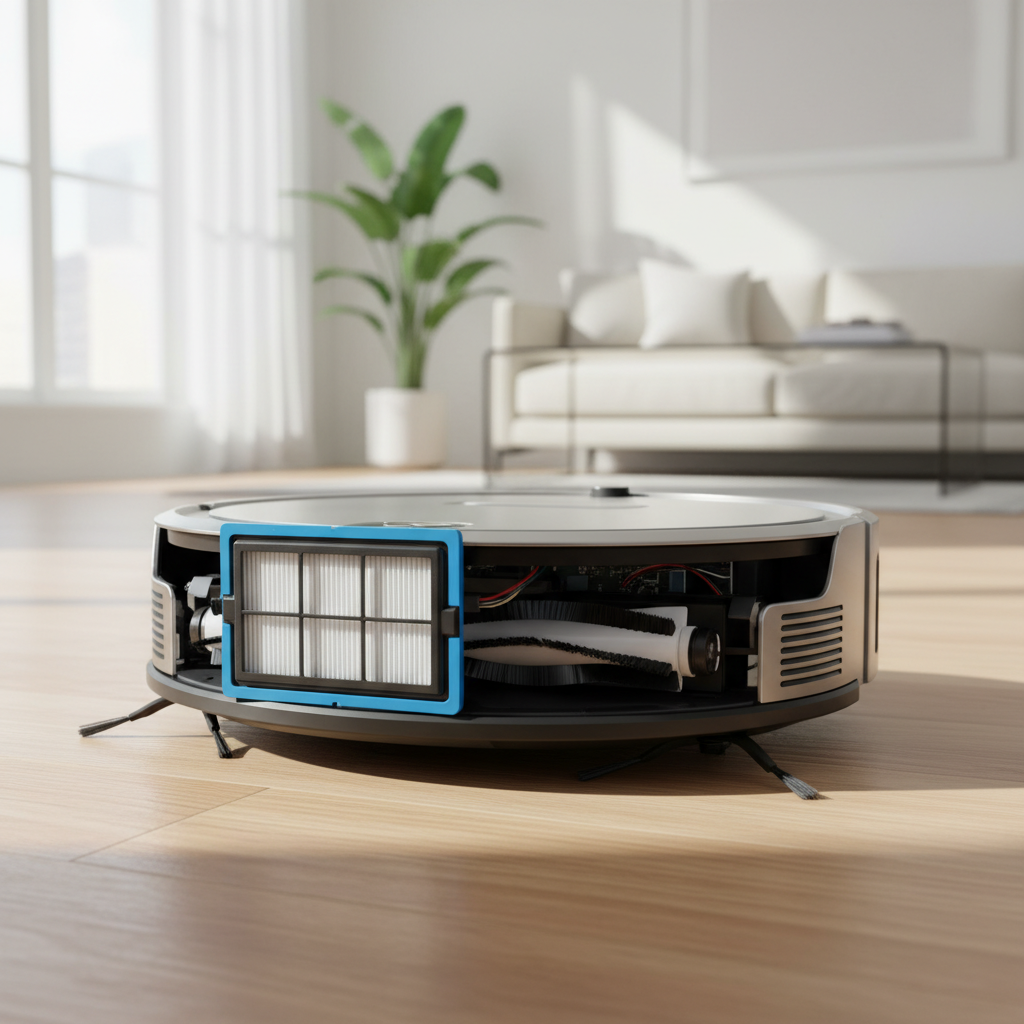
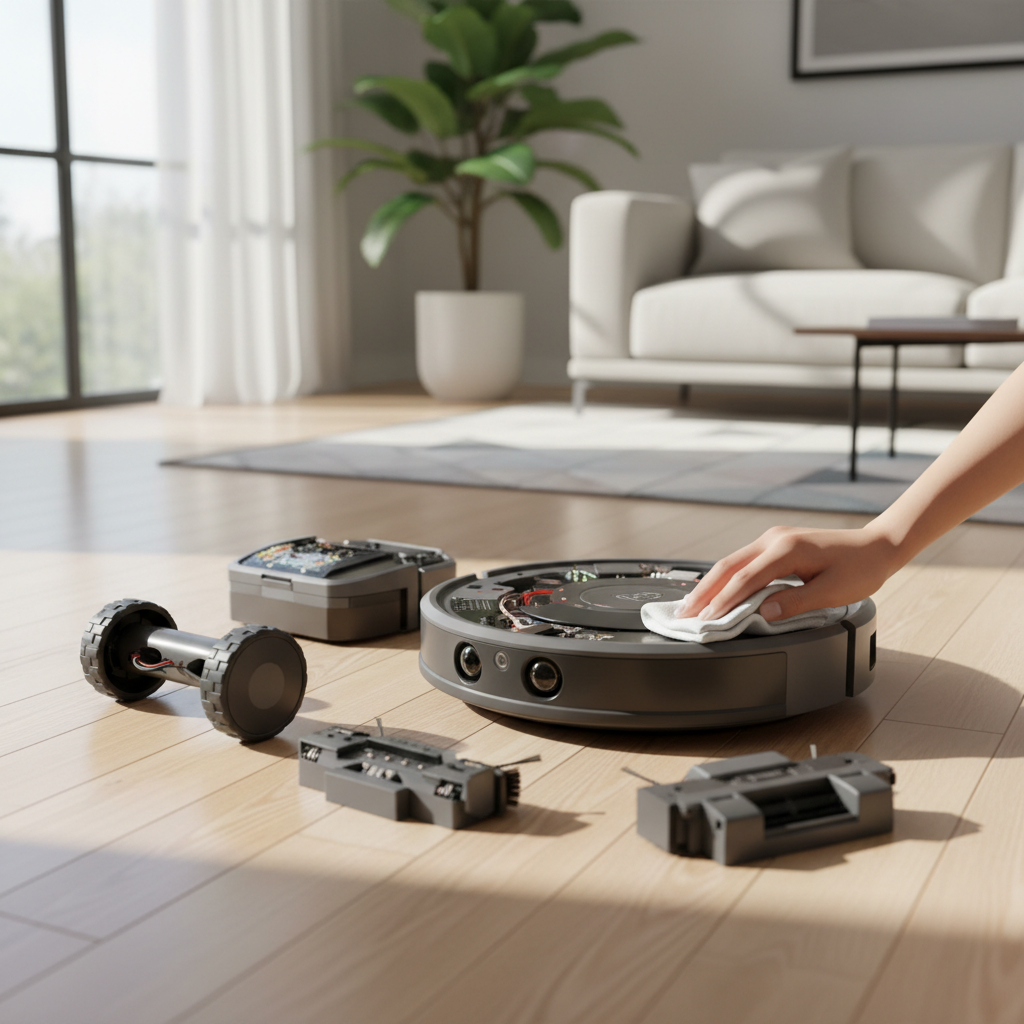
## Mastering the Dustbin and Filter Routine. The most basic yet most vital task is managing the dustbin. While many modern units come with self-emptying stations, the internal bin still needs a manual wipe-down occasionally to prevent grime buildup. A full bin creates backpressure, which forces the motor to work harder, leading to overheating and reduced efficiency. Emptying it after every cleaning cycle is the gold standard for non-self-emptying models. ### The Crucial Role of HEPA Filters. Most robot vacuums utilize HEPA (High-Efficiency Particulate Air) filters to trap microscopic allergens and dust. Over time, these filters become clogged, restricting airflow and putting a massive strain on the suction motor. You should tap the filter against a trash can to release loose dust weekly and replace the filter entirely every 2 to 3 months depending on usage. If your filter is washable, ensure it is 100% dry before reinserting it; a damp filter is a breeding ground for mold and can permanently damage the internal electronics. ## Detangling the Brushes: A Weekly Ritual. The underside of your robot vacuum is where the real work happens, but it’s also where the most trouble starts. Hair, string, and carpet fibers love to wrap themselves around the main roller brush and the spinning side brushes. If left unchecked, these tangles can create enough friction to melt plastic components or burn out the brush motor. Most manufacturers provide a small cutting tool specifically for this purpose. Use it to slice through hair wraps and clear the bearings at the ends of the brush roll. Don’t forget the side brushes; these often get bent or clogged with hair at the base. If the bristles are flared out or misshapen, you can often restore them by dipping them in hot water for a few minutes, though replacing them every 6 months is generally recommended for optimal edge cleaning. ## Keeping the ‘Eyes’ Clear: Sensors and Cameras. Your robot navigates your home using an array of sensors, including cliff sensors to prevent it from falling down stairs and infrared or LiDAR sensors to map your rooms. Over time, a thin film of dust can coat these sensors, causing the robot to ‘go blind.’ This results in erratic movement, constant bumping into furniture, or the dreaded ‘stuck on a cliff’ error message when it’s on flat ground. To prevent this, use a clean, dry microfiber cloth to wipe all sensor windows and charging contacts. Avoid using harsh chemicals or wet wipes, as moisture can seep into the sensor housing. Clean charging contacts on both the robot and the dock are equally important; if they are dirty, the robot might fail to charge properly, leaving you with a dead battery when you need it most. ## Battery Longevity and Software Health. The lithium-ion battery is the heart of your robot vacuum, and its health dictates the runtime of your cleaning sessions. To keep the battery in top shape, try to keep the robot on its charger whenever it’s not in use. Modern charging circuits are designed to prevent overcharging. However, avoid exposing the robot to extreme heat or direct sunlight, as heat is the primary enemy of battery longevity. If you plan to go on a long vacation, it is often better to charge the battery to about 50% and then turn the robot completely off using the physical power switch. ### The Importance of Firmware Updates. Beyond the physical hardware, the software (firmware) plays a massive role in performance. Manufacturers frequently release updates that improve navigation algorithms, fix bugs, and optimize battery management. Always ensure your robot is connected to your home Wi-Fi and that the official app is set to install updates automatically. A software update can sometimes feel like getting a brand-new robot, as it can refine the way the machine handles obstacles or maneuvers around tight corners.