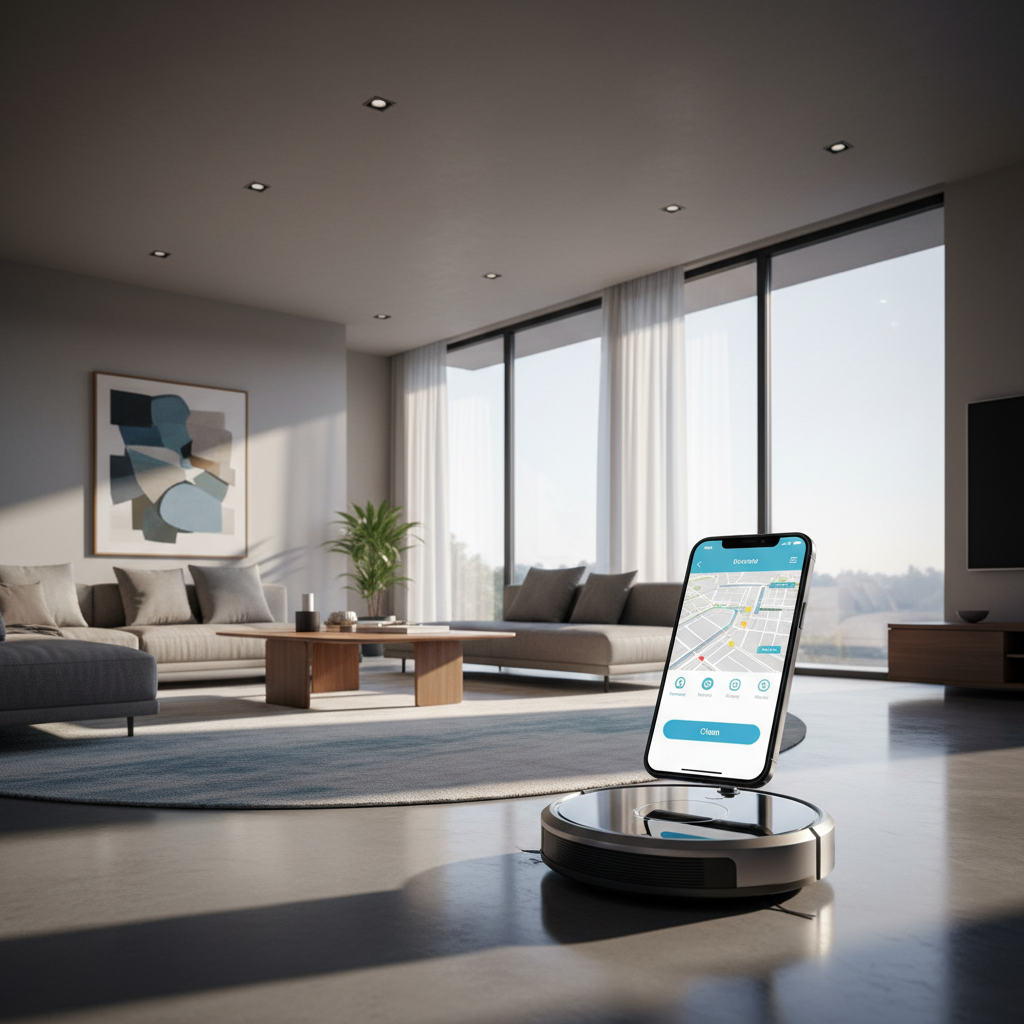
The Evolution of Domestic Convenience
There was a time when cleaning the floors meant manual labor, dragging heavy machinery across the house, or spending hours with a broom and dustpan. Today, the landscape of domestic chores has shifted dramatically thanks to the rise of autonomous technology. Robot vacuums are no longer just expensive toys for tech enthusiasts; they have become essential tools for the modern household, blending seamlessly into our daily routines while we focus on more important things.
Integrating these devices into a comprehensive smart home ecosystem is the key to unlocking their full potential. It is one thing to have a robot that cleans, but it is another thing entirely to have a robot that knows exactly when to clean based on your location, your schedule, or even a simple voice command. This guide will walk you through the nuances of connecting your robot vacuum to your smart home, ensuring that your automated cleaning experience is as smooth and efficient as possible.
Essential Prerequisites for a Seamless Setup
Before you dive into the technical steps, it is crucial to ensure that your home environment is ready for a new digital inhabitant. Most robot vacuums operate on specific network frequencies, and failing to account for this is the number one reason users encounter frustration during the initial pairing process. You need to verify that your router is broadcasting a 2.4GHz signal, as many smart home devices are not yet compatible with the higher-frequency 5GHz bands commonly used by modern laptops and smartphones.
In addition to network compatibility, you should ensure that your smartphone is updated to the latest operating system and that you have a stable internet connection throughout your home. A weak signal in a distant bedroom might cause your robot to ‘go offline’ mid-clean, which disrupts its mapping capabilities. Take a moment to clear the floor of small obstacles like loose cables or thick rugs that might pose a challenge during the initial mapping phase, which is when the robot learns the layout of your sanctuary.
Networking and App Preparation
Start by downloading the proprietary app for your specific brand, whether it is Roborock, iRobot Home, Ecovacs Home, or Dreamehome. These apps act as the command center for your device, allowing you to manage firmware updates, set cleaning boundaries, and monitor the health of consumable parts like filters and brushes. Create a secure account and ensure that your Bluetooth is enabled, as many modern robots use a Bluetooth handshake to simplify the initial WiFi pairing process.
Once the app is installed, place the robot on its charging dock. This is vital because many devices will refuse to perform a firmware update or complete a pairing sequence if the battery level is below a certain threshold. By keeping it docked, you provide a stable power source for the initial handshake between your router, the cloud server, and the device itself.
The Integration Process: Connecting to Voice Assistants
Once your robot is successfully connected to its native app, the real magic begins with voice assistant integration. Whether you are an enthusiast of Amazon Alexa, Google Home, or Apple HomeKit, connecting your vacuum allows for hands-free operation. This means you can be in the middle of cooking or working and simply say, ‘Clean the kitchen,’ and your robot will spring into action without you ever touching your phone.
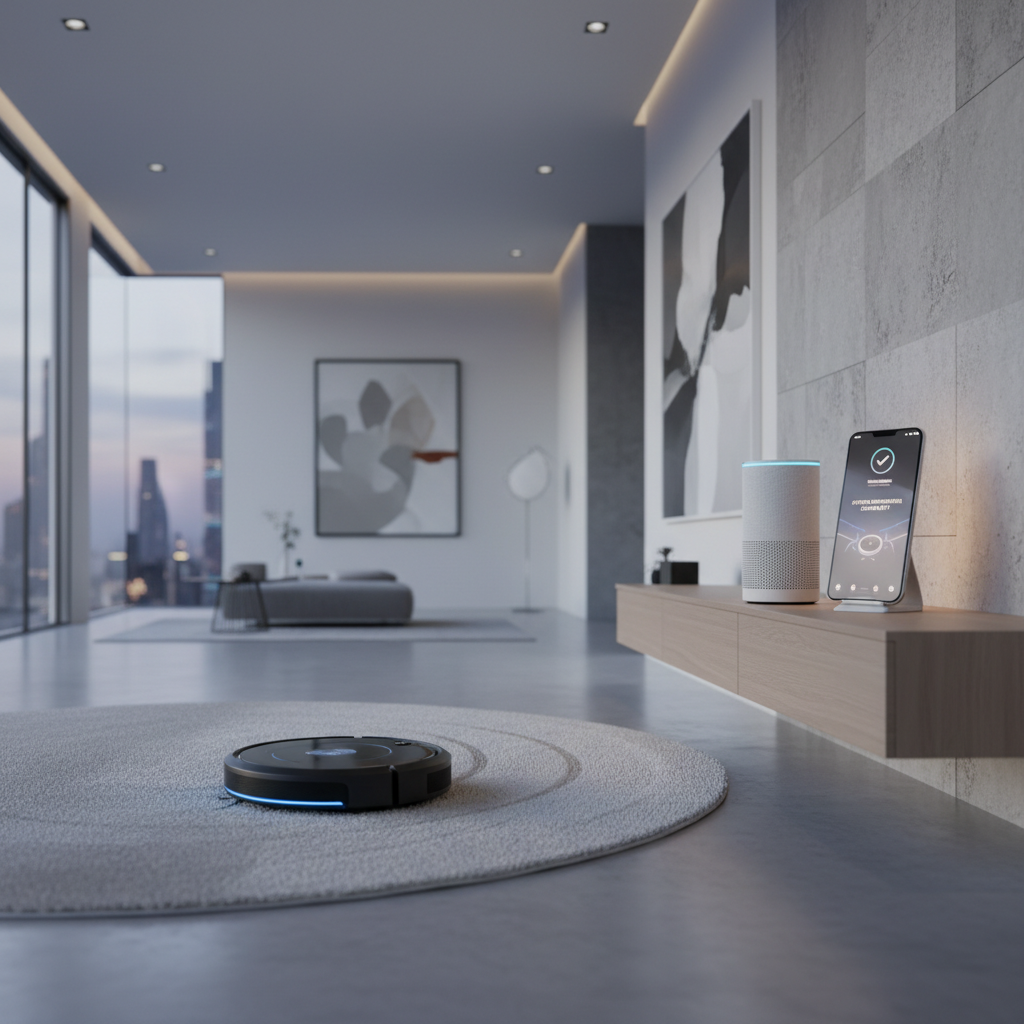
To bridge this connection, navigate to the ‘Skills’ or ‘Works with Google’ section of your respective smart home app. Search for your vacuum’s brand and log in using the same credentials you created earlier. This link allows the smart home hub to ‘see’ the vacuum as a controllable device. From here, you can assign it to specific rooms, allowing for more granular control over where and when the cleaning happens.
Advanced Automation and Custom Routines
Simple voice commands are great, but the true power of a smart home lies in automation. You can create ‘routines’ that trigger based on specific conditions. For example, you can set a routine where the vacuum starts cleaning the moment your smart lock detects that you have left for work. This ensures that you always return to a pristine home without ever having to hear the whirring of the motor while you are relaxing.
For power users, platforms like IFTTT (If This Then That) or Home Assistant offer even deeper levels of customization. You could potentially sync your vacuum with your smart blinds; as soon as the blinds close for the evening, the vacuum returns to its base to ensure the living area is quiet for movie night. The possibilities are limited only by the sensors and devices you have integrated into your network.
Troubleshooting Common Connection Hurdles
Even with the best technology, you might occasionally run into a ‘Device Offline’ notification. Often, this is a result of a minor IP conflict within your router. A quick restart of both the router and the vacuum’s power switch usually resolves the issue. If the robot fails to find its dock, check for reflective surfaces or direct sunlight near the base, as these can interfere with the infrared sensors the robot uses to navigate back home.
Lastly, always keep your firmware updated. Manufacturers frequently release patches that improve navigation algorithms and connectivity stability. By spending just a few minutes every month checking for updates and cleaning the robot’s physical sensors, you ensure that your smart home ecosystem remains robust, reliable, and ready to handle the mess of everyday life.